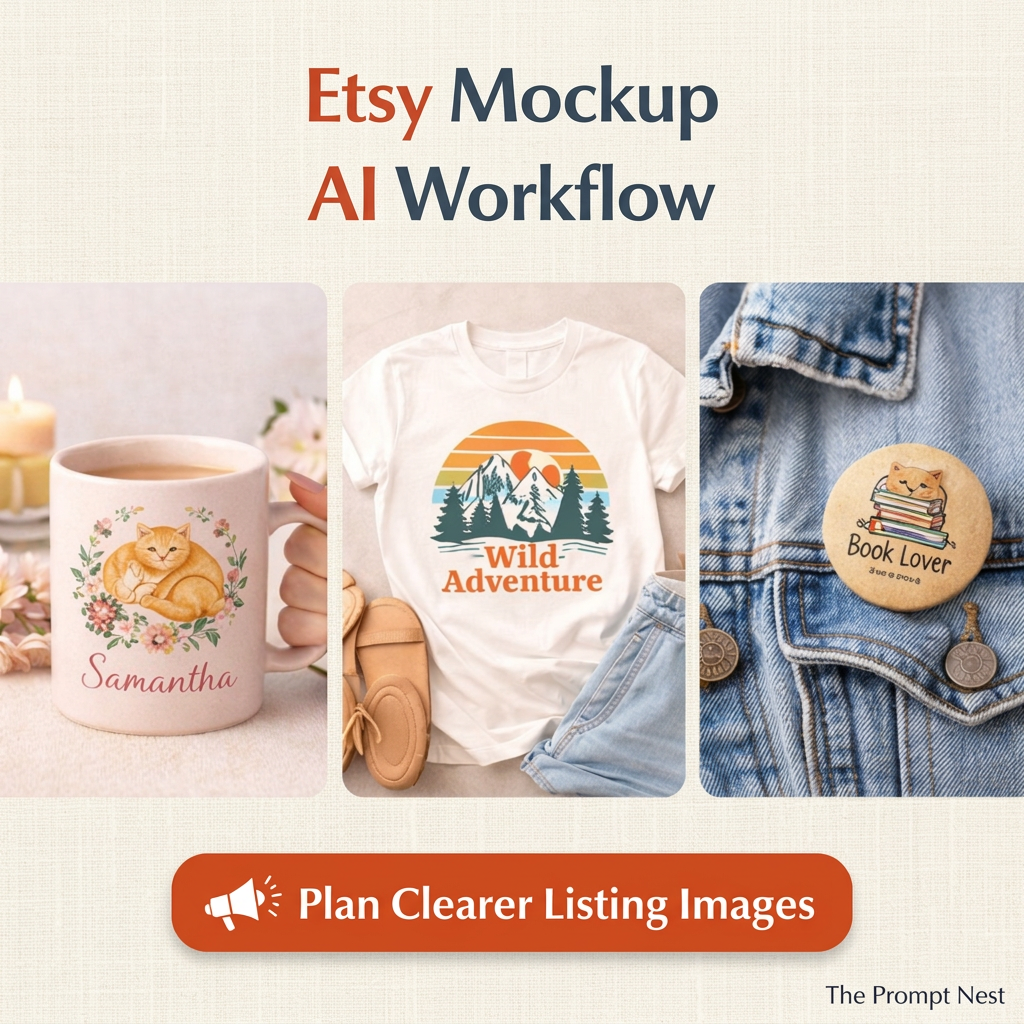
The Prompt Nest
Etsy Mockup AI Workflow for Clearer Listing Images
Etsy Mockup AI Workflow for Clearer Listing Images
Couldn't load pickup availability
Your product is ready, but the mockup still does not feel right. The background competes with your design, the scene looks generic, or buyers cannot easily picture what they are getting. After another round of edits, you are still wondering how to make your Etsy listing images look clear and consistent.
This Etsy Mockup AI Workflow gives you a structured way to develop visual directions instead of starting from a blank prompt. Use it to plan how your product should be presented, then adapt the instructions to your own style, audience and language.
From mockup guesswork to a clearer visual direction
A mug needs a different setting from a printable illustration or a canvas tote. Work around the actual product and the buyer you want to reach, rather than adding props simply because they look attractive. The aim is a presentation that helps people understand the product without distracting from it.
What this workflow helps you do
- Develop mockup directions for digital or physical products sold on Etsy.
- Explore backgrounds, styling and realistic settings that suit your product.
- Refine AI instructions when the first visual idea feels flat, cluttered or off-brand.
- Build a more consistent direction for your listing images.
- Adapt the wording to your preferred language and niche.
What you receive
A digital PDF containing an AI workflow for Etsy mockup planning. This is a guide to developing your own visual directions, not a collection of finished product photos, editable mockup templates or a done-for-you design service.
How to use it in your own language
Open the PDF and follow the workflow in your chosen AI tool. Add accurate details about your product, its design, your intended buyer and the visual style you want. Ask for the response in your preferred language, such as English, Dutch or Italian, and refine the instructions until they fit your shop.
Use the resulting direction with an image tool or your existing design process. Text-only tools can help with planning and prompt writing; creating or editing images requires an image-capable tool. Check your chosen tool's features and any subscription requirements separately.
How do I make Etsy mockups look more realistic?
Start with accurate product details and use your real product image as a reference where your tool supports it. Review proportions, colours, printed details and shadows. Correct anything that misrepresents the item before using the image in a listing.
Can I use this for printable art and handmade products?
You can adapt the visual direction to either type of product. For printables, make clear what the buyer receives and whether frames or props are only part of the presentation. For physical products, keep the actual item's appearance and included features accurate.
A practical starting point for your next listing
If you keep changing mockups without knowing what to improve, use this workflow to give your next image a clearer brief. Choose a product, describe the presentation problem and build a visual direction that fits your shop. Results depend on your inputs, tools and review; the workflow does not guarantee clicks or sales.