

The Prompt Nest
Turn One Product into Multiple Etsy Listings – AI Workflow (2026)
Turn One Product into Multiple Etsy Listings – AI Workflow (2026)
Couldn't load pickup availability
You have one product listed and it barely gets seen. You know you should add more listings but you do not have more products. The good news is that you do not need new products. You just need to position the one you have in different ways. This workflow shows you exactly how.
One product is not enough to get seen
Many Etsy sellers create one listing per product and hope it gets found. The problem is that one listing can only target a limited number of search terms. If your product is not getting enough visibility, it is often not because of the product itself, but because it is not positioned in multiple ways.
What this workflow does
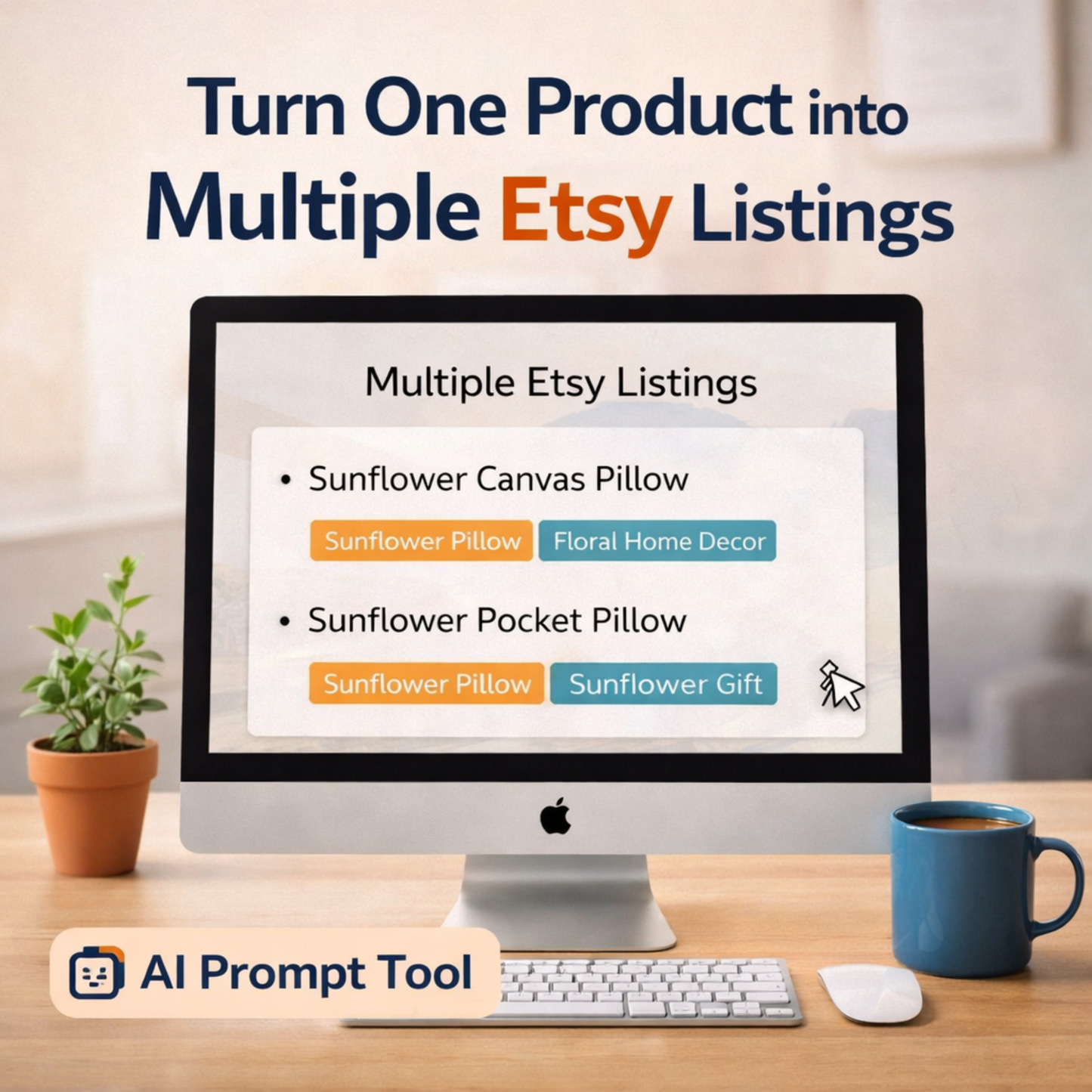
This AI workflow helps you take one product and turn it into multiple listing variations that target different search angles. Instead of copying and guessing, you follow a structured process that gives you clear directions for new listings.
What this workflow helps you do
- Create multiple Etsy listings from one product
- Reach different keywords and search terms
- Increase your chances of being found on Etsy
- Use the workflow inside ChatGPT and similar AI tools
- Build a more scalable Etsy shop structure
- Use it in any language including Dutch, English, Italian and more
How fast does it work?
Most sellers have 3 to 5 new listing angles ready in under 15 minutes.
Who is this for?
- Etsy sellers with products that are not getting enough views
- Shop owners who want to grow without creating new products
- Sellers who want to improve their Etsy SEO strategy
- Digital and physical product sellers
Want to optimize each listing further?
Use the Etsy SEO Listing System to improve titles, tags and descriptions for each new listing variation.
Frequently Asked Questions
Can I create multiple Etsy listings from one product?
Yes. Etsy allows multiple listings for the same product as long as each listing targets a different angle, audience or use case. This workflow helps you find those angles so each listing feels unique and relevant to a different search query.
Does this mean I copy the same listing multiple times?
No. The workflow helps you create different versions with unique angles, not exact duplicates.
Can I use this in my own language?
Yes. You can apply this workflow in multiple languages including Dutch, English, Italian and more.
Do I need multiple products to use this?
No. This workflow is specifically designed to expand one product into multiple listings.
What format is the download?
You receive a PDF file instantly after purchase. No account or subscription needed.
Is this a one-time purchase?
Yes. You pay once and keep the workflow forever.